

We are pleased to announce more new Incident Check Features!
Additional functionality now available:
- Investigation Timeline
- Causal Analysis comments
- Faster corrective action updates
- Full size images
- File upload changes
- Leading / Lagging indicator summary
- Injury details – body part, nature of injury and injury cause
Investigation Timeline
Administrators can set a report to have an investigation timeline on any report type in the system through the settings. This will then allow you to specify dates and times and a description of the investigative activity that was undertaken. Along with this you can upload files that are relevant to that investigation step.
Once this is complete, we have a mechanism where you can step through the timeline to review each step that you will see in the sidebar beside the incident.

Causal Analysis comments
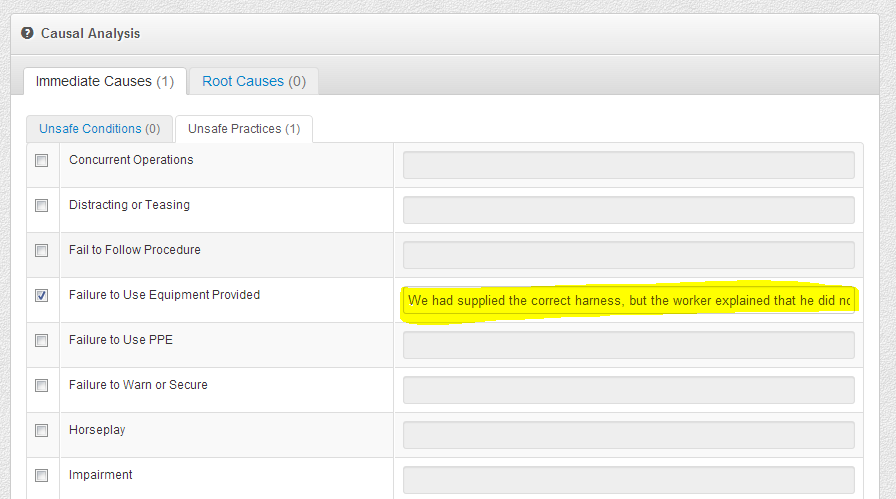
When choosing your causal analysis items, we now have an area for comments that pertain to each particular cause.
Faster corrective action updates
In the corrective action emails, we have changed things just slightly to allow people to quickly click the email link and then choose to complete or cancel the corrective action without having to log in to Incident Check.
Full page images in PDFs
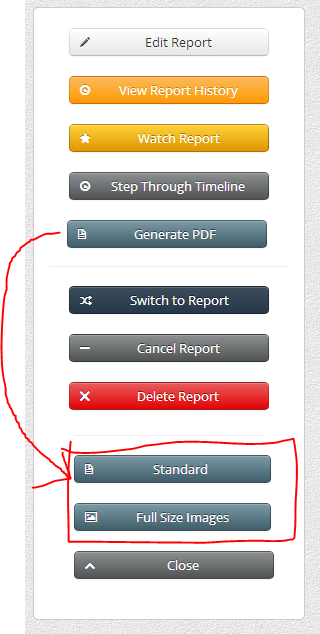
In the generated PDF for a report, there is now the option to attach full size images to the end of the report. This is very helpful when there is fine detail on an image that the thumbnail does not show.
File upload changes
We have modernized the file upload portion of the report page to allow either images or files to be uploaded, and to have multiple uploads running at the same time.
Leading / Lagging indicator summary
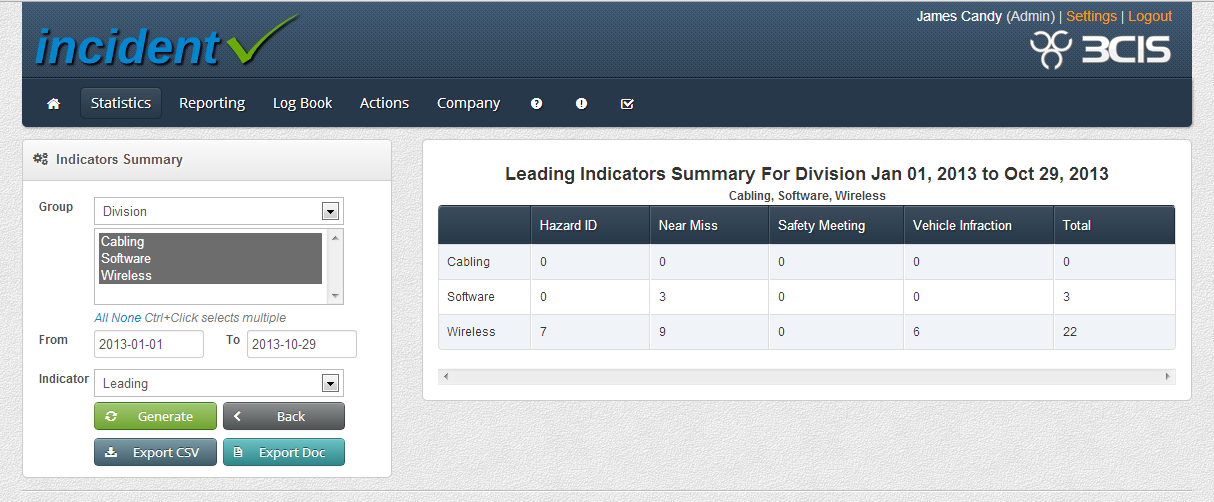
A quick report, the first of many, that will start focusing on Leading Indicators. This is an area of focus for Incident Check in general in the upcoming weeks and months, as we are seeing more and more customers really looking to leading indicators to ensure that things are being handled pro-actively.
Injury details
Now, when a report dealing with an injury is entered, you have the option of adding details on the injured body part as well as the nature of the injury and the cause of the injury. Note that this cause is different from the overall causal analysis in subtle ways. With Causal Analysis, a person is trying to get at the reasons for the incident happening. With an injury cause, we are focusing on the more specific details of the injury itself.
As always, feedback on these features is appreciated and if you would like to discuss them, feel free to email or calla t any time.