
For Incident Check, we require that all reports (incidents, near misses, and hazards) are tagged with a specific location. This is for many reasons, the biggest one being that this is how our customers generally tracked things before Incident Check was implemented.
There has been 1 stumbling block for locations, however, and that is our mandatory latitude and longitude. But, getting this information is as simple as firing up Google Maps.
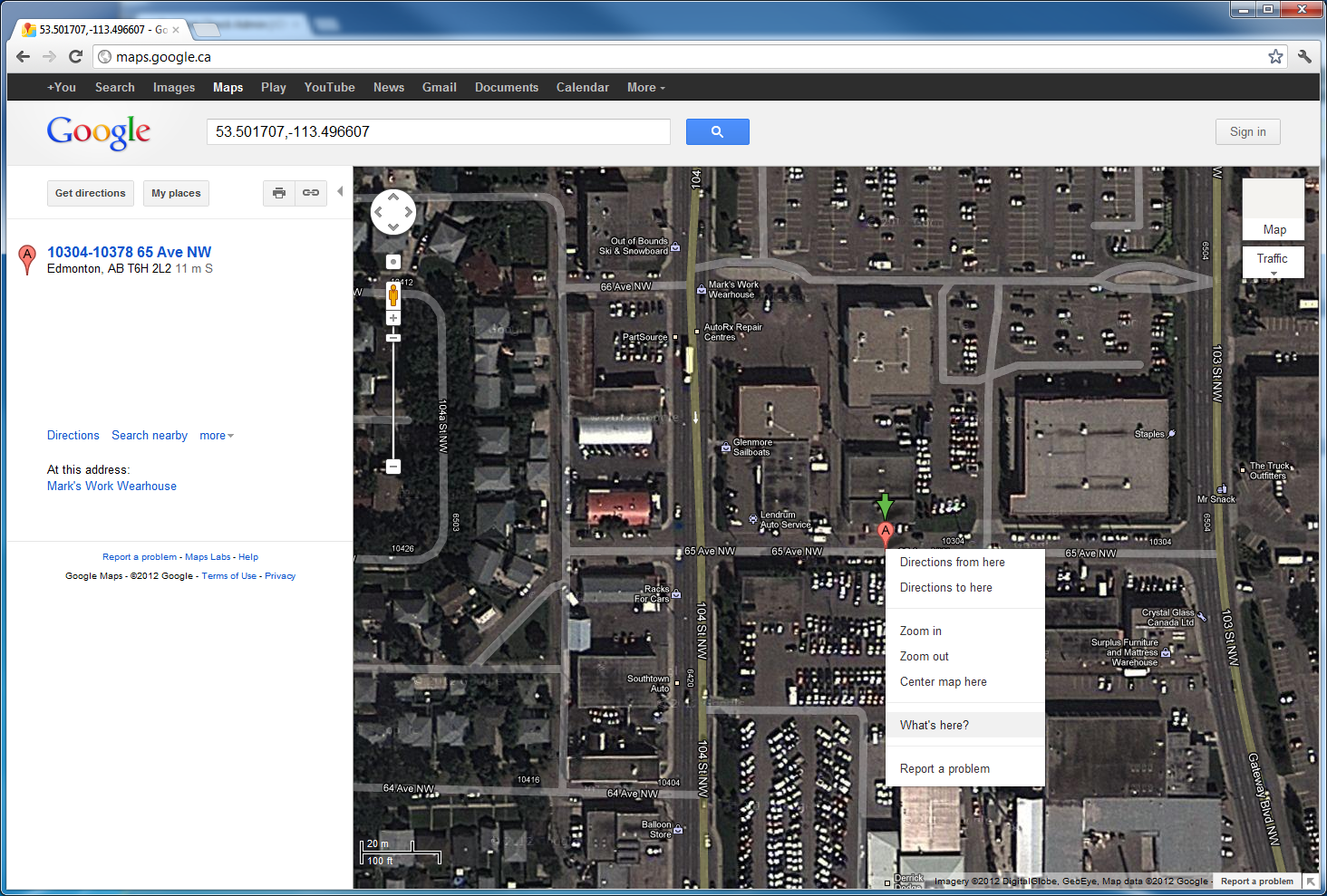
For example, 3CIS headquarters is in Edmonton. To get a lat/lon pair, simply zero in on the building in Google Maps, right click, and choose “What’s here?” from the menu.
You will then see the latitude and longitude in the search box at the top, like in the following screenshot: